3.1/3.2/3.3/3.4 – IDENTIFYING APPROPRIATE PLAYBACK SOFTWARE AND DISPLAY DEVICE, AND AJUSTING SETTINGS TO MEET NEEDS
I chose VLC because VLC Media Player is hugely popular, and for good reason – it's completely free, supports almost all file formats without the need to download additional codecs, can optimize video and audio playback for your chosen device, supports streaming, and can be extended almost infinitely with downloadable plugins.
1. VLC media player has the capability to play almost all types of
files that you have. It is thus a universal media player which plays
both audio and video file types. There is no other media player which
can do that and unbelievably completely available for free download.
files that you have. It is thus a universal media player which plays
both audio and video file types. There is no other media player which
can do that and unbelievably completely available for free download.
2. With VLC media player, you do not have to worry whether it will work
on your system or not. VLC is a media player that is supported by every
existing operating system including Windows and Linux.
3. It is very simple and quick to download. You only type VLC media
player in Google search area and click search. Click download button
after opening its official website.When your download is complete you
should run the installation which will be complete in few seconds and
you are ready to go. Bring all audio and video files that did not play
in other media players and you will see magic. VLC will play all of
them!
4. With VLC media player you are not limited to play only the audio and
video files stored in your computer, but you can also stream files
online directly from source and play them using VLC media player.
5. VLC media player allows you to record live videos. This is a benefit
for those huge fans of YouTube or other similar sites. It is also a
great feature since you can save anything you want then watch it as many
times as you wish. This means you can make copies of VCDs and DVDs that
you like and enjoy as well as share them with your friends.
6. VLC is a convenient and effective media player to use. It doesn’t
require you to download additional stuffs or add-ons for it to function.
It is an easy to use application requiring no unnecessary things to
function. Why not take advantage of the many benefits offered by VLC?
7. VLC is a portable media player that allows you to enjoy your
favorite videos and audios anytime and from anywhere you want. So long
as you have installed it there is nothing which can stop you from
enjoying your videos.
8. VLC is free of viruses. This is because it doesn’t allow addons or
additional software, which comes with highest chances of viruses.
9. With VLC you can always enjoy your favorite music or video with no need to use VCD, DVD or CD. You can create a playlist of your favorites.You only need to
keep updating your VLC whenever there are updates online to get the best
entertainment experience.
10. VLC can be used in capturing video shots on your computer’s
desktop. This especially regards videos to be used as tutorials or for
fun. It also recognizes firewire devices connected to your computer and
can stream live via any firewire port.
on your system or not. VLC is a media player that is supported by every
existing operating system including Windows and Linux.
3. It is very simple and quick to download. You only type VLC media
player in Google search area and click search. Click download button
after opening its official website.When your download is complete you
should run the installation which will be complete in few seconds and
you are ready to go. Bring all audio and video files that did not play
in other media players and you will see magic. VLC will play all of
them!
4. With VLC media player you are not limited to play only the audio and
video files stored in your computer, but you can also stream files
online directly from source and play them using VLC media player.
5. VLC media player allows you to record live videos. This is a benefit
for those huge fans of YouTube or other similar sites. It is also a
great feature since you can save anything you want then watch it as many
times as you wish. This means you can make copies of VCDs and DVDs that
you like and enjoy as well as share them with your friends.
6. VLC is a convenient and effective media player to use. It doesn’t
require you to download additional stuffs or add-ons for it to function.
It is an easy to use application requiring no unnecessary things to
function. Why not take advantage of the many benefits offered by VLC?
7. VLC is a portable media player that allows you to enjoy your
favorite videos and audios anytime and from anywhere you want. So long
as you have installed it there is nothing which can stop you from
enjoying your videos.
8. VLC is free of viruses. This is because it doesn’t allow addons or
additional software, which comes with highest chances of viruses.
9. With VLC you can always enjoy your favorite music or video with no need to use VCD, DVD or CD. You can create a playlist of your favorites.You only need to
keep updating your VLC whenever there are updates online to get the best
entertainment experience.
10. VLC can be used in capturing video shots on your computer’s
desktop. This especially regards videos to be used as tutorials or for
fun. It also recognizes firewire devices connected to your computer and
can stream live via any firewire port.
I'm using iMac and the Philips BDL6524ET monitor in order to playback your video to the class.
The monitor is 65 inch (65”, Edge LED Backlit, Full HD)
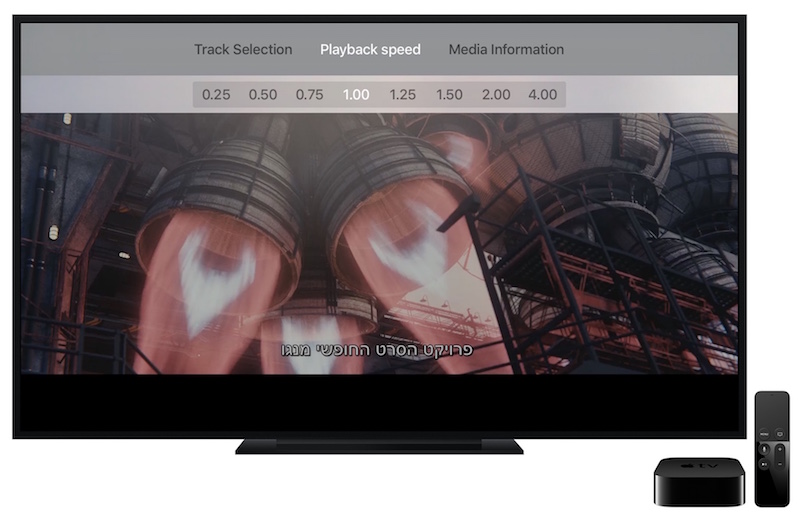
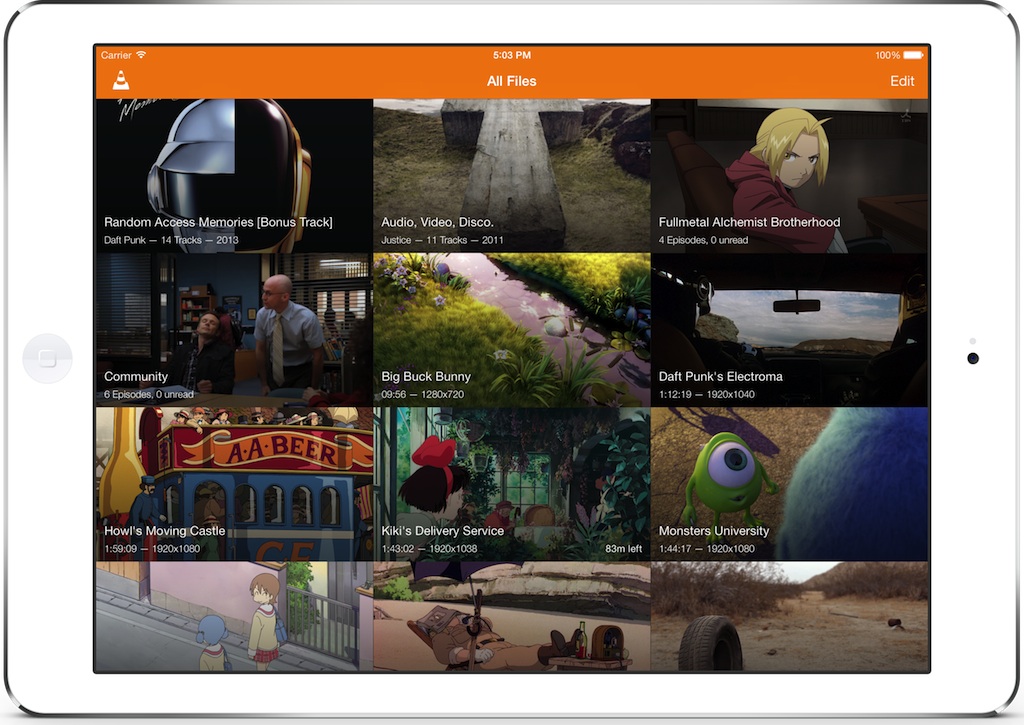
I exported the film in H.264 MKV format.
H.264 is a digital video compression standard that uses half the space of MPEG-2 (the DVD standard) to deliver the same quality video. H.264 is a popular standard for high definition digital video, and for good reason. ... Using DivX Converter, you can create stunning DivX Plus HD video (H.264 video in an MKV container).
I then used cinema mode. Cinema mode is a mode that will make the TV look its most accurate. This means the image will look as close on what the director intended.
There are five main settings that get adjusted by changing the picture mode: Blacklight, colour, motion, temperature, gamma/contrast enhancers, and edge enhancements. Each changes a different aspect of the picture.
Comments
Post a Comment